Address
Arusha Njiro
Work Hours
80 Hours A week
Address
Arusha Njiro
Work Hours
80 Hours A week

 ByIziraa
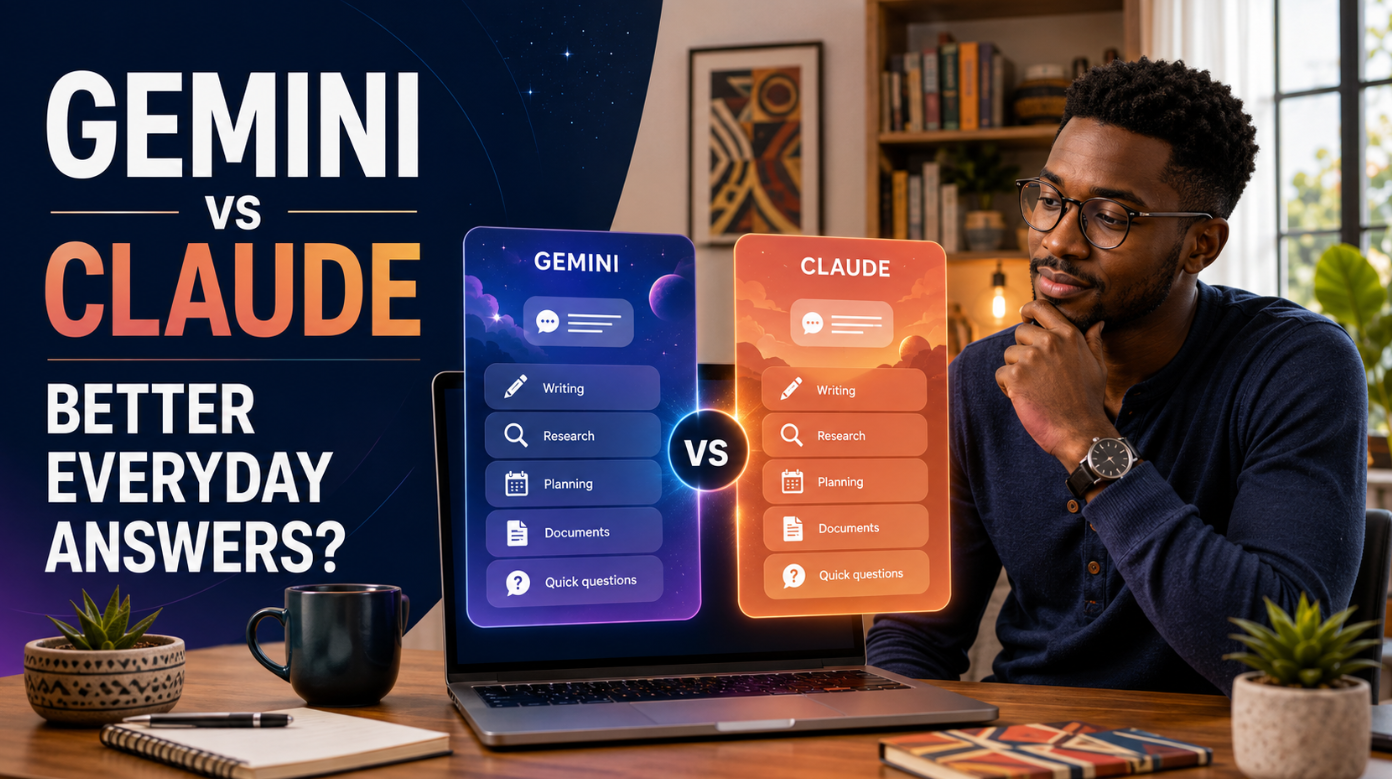
In the Gemini vs Claude comparison, Claude usually gives the more polished answer for writing, explanation and careful reasoning. Gemini is often more useful when a task needs current web information, Google apps, images or Android-based assistance.
That does not make one assistant universally better. A clear email and a current travel plan require different strengths. Moreover, features, limits and model access can vary by account, country, device and subscription.
For most people, the practical choice is simple:
This guide examines everyday usefulness rather than benchmark scores alone. It covers writing, facts, research, files, images, planning, conversation, privacy and value. It also provides a fair test you can repeat yourself.
Claude gives more useful everyday answers when quality means clear writing, careful structure and a natural explanation. Gemini gives more useful answers when quality depends on fresh information, Google integration, visual content or mobile assistance.
Here is the practical scorecard.
| Everyday task | Likely better choice | Why |
|---|---|---|
| Rewrite an email | Claude | Usually produces a cleaner, more natural draft |
| Explain a difficult idea | Claude | Often maintains a steady line of reasoning |
| Find current information | Gemini | Strong Google Search and Deep Research connection |
| Work with Gmail or Drive | Gemini | Direct connection with the Google ecosystem |
| Summarise a long document | Claude | Strong document-focused conversation and Projects |
| Analyse mixed media | Gemini | Broad support for documents, images, audio and video |
| Build a simple interactive tool | Claude | Artifacts provide a dedicated creation space |
| Talk through tasks on a phone | Gemini | Gemini Live and Android integration are practical |
| Brainstorm carefully | Claude | Often develops ideas without rushing the conclusion |
| Create or edit images | Gemini | Image generation is built into the Gemini experience |
These are editorial judgements, not permanent technical facts. Outputs vary by model, tool access and prompt. Therefore, treat this table as a starting point for testing.
If you have never used a conversational assistant, first read Iziraa’s guide on how to use ChatGPT for beginners. Its basic prompt method also works with Gemini and Claude.
The longest answer is not necessarily the most useful. Nor is the answer with the most confident tone.
An everyday answer is useful when it helps you understand something or complete a task with little repair. Five qualities matter.
The assistant should answer the question asked. It should not bury the conclusion beneath a long introduction.
The wording should suit the reader. A beginner needs plain language and examples. A specialist may need precision and technical detail.
Names, dates, calculations and factual claims should be correct. When information is uncertain, the assistant should show that uncertainty.
The answer should help the user take a sensible next step. A shopping comparison should identify trade-offs. A plan should include realistic actions.
A useful answer should require limited rewriting or repeated prompting. It should respect the requested format, length and tone.
This article uses those qualities throughout. It does not assume that one impressive response proves permanent superiority.
Gemini is Google’s general AI assistant. It connects naturally with the company’s wider services. Depending on account and location, users can work with Search, Gmail, Drive, Docs, Maps, YouTube and other connected applications.
Google also offers tools such as Gemini Live, Deep Research, Gems and Canvas. Its official Gemini Apps Help Centre lists file analysis, image generation, learning tools, connected apps and personalisation features.
Claude is Anthropic’s AI assistant. Its interface emphasises focused conversations, writing, analysis and substantial project work. Projects hold their own chats and knowledge. Meanwhile, Artifacts place longer content, code, diagrams or interactive tools in a separate working area.
Anthropic’s official guidance says Claude Projects are available to free users, although plan limits apply. The official Artifacts guide describes shareable apps, tools and substantial content.
Both assistants now cover far more than simple chat. Therefore, the right question is not “Which chatbot is smarter?” It is “Which one helps with the tasks I repeat?”
Claude has the advantage for most writing tasks.
When asked to rewrite an email, Claude often preserves the message while improving tone and flow. It also tends to avoid promotional wording when the user requests restraint. That can reduce the number of follow-up edits.
For example, try this prompt in both tools:
Rewrite this message for a busy supplier. Keep it calm, direct and under 120 words. Preserve every date, amount and commitment. Do not invent explanations. End with one clear action: [paste message].
A useful response should retain the facts, remove repetition and make the request obvious. Claude frequently handles those requirements well.
Gemini can also write strong emails, posts and summaries. It becomes especially convenient when the source already sits in Gmail or Google Docs. In that situation, easier access may matter more than a small difference in prose quality.
The safest workflow is to provide verified facts and require the assistant to mark missing details. Iziraa’s guide to making AI writing sound more human explains how audience, purpose and tone improve output without awkward “humaniser” commands.
Winner: Claude for answer quality; Gemini for Google-based convenience.
Claude often feels like the better tutor for a difficult idea. It tends to build explanations in a logical order and maintain the same level of detail.
Suppose a student asks:
Explain the difference between profit and cash flow to a first-year business student. Use a small Tanzanian shop, simple figures and one short practice question. Do not show the answer until I attempt it.
The best response should define both terms, use consistent figures and invite active practice. Claude often performs well when the task needs patient explanation.
Gemini remains competitive. Its advantage appears when learning connects with Search, YouTube, images, quizzes or Google’s wider learning tools. A visual learner may find that combination more useful than a text-only explanation.
Students should still check formulas, quotations and references. AI assistants can produce plausible but incorrect material. Iziraa’s guide to the best AI tools for accounting students shows how different tools fit calculations, spreadsheets, revision and research.
Winner: Claude for text explanations; Gemini for multimedia learning and current supporting material.
Gemini has the clearer everyday advantage for fresh information.
Google states that Gemini Deep Research uses Google Search by default. Users may also add sources such as Gmail, Drive, uploaded files and notebooks. That combination can be valuable when planning a trip, comparing current services or researching a recent topic.
The official Gemini Deep Research guide explains these source options. However, a generated research report is still a summary. Readers should open the cited pages and verify decisive claims.
Claude also supports web search and a research mode. Anthropic says Claude Research produces multi-source answers with citations when web search is enabled.
Claude may produce a well-organised synthesis. Nevertheless, Gemini’s Search foundation and Google connections often make it the more convenient first choice for everyday current-information questions.
Research [topic] using current primary or official sources. State the date checked. Separate confirmed facts from inference. Give a direct link beside every important claim. If sources disagree, show the disagreement. Do not invent a citation.
Then open the links. Check publication dates, jurisdiction and whether the source supports the exact claim.
Researchers need stronger controls than casual users. Iziraa’s 50 prompts for academic researchers includes source-verification and evidence-checking instructions that can be adapted for both Gemini and Claude.
Winner: Gemini for convenient current research; Claude remains strong for careful synthesis.
Both assistants can analyse uploaded files. However, their strengths feel different.
Google says Gemini can work with documents, spreadsheets, notebooks, photos, videos and other supported file types. This breadth is useful when one task combines several media formats.
Claude’s Projects create focused workspaces with their own chats and knowledge bases. That arrangement is useful when someone repeatedly returns to the same policies, notes, reports or research materials.
Claude also tends to handle long-form editing well. It can compare sections, identify contradictions and create structured summaries. Meanwhile, Gemini may be easier when the source lives in Google Drive or needs to move into Docs.
Try this document prompt:
Use only the attached document. Return: (1) a five-sentence summary, (2) important dates and figures with page references, (3) decisions or obligations, (4) unclear or conflicting passages and (5) five questions for the author. If a detail is absent, write “not stated.”
The phrase “use only the attached document” matters. Without it, an assistant may blend outside knowledge with the file.
Winner: Claude for sustained document analysis; Gemini for wider media support and Drive-based work.
Gemini is the more complete everyday choice for multimedia.
Its consumer experience includes image generation and editing, video-related tools on eligible plans, audio features and visual search. Gemini can also analyse uploaded pictures and videos where supported.
Claude can understand images and screenshots. It is useful for extracting structure, explaining a chart or reviewing a layout. Artifacts can also create interactive visualisations and simple applications. However, Gemini offers the broader creative-media ecosystem.
This difference matters for small businesses. A shop owner may want product-copy ideas, a simple poster concept and a social caption in one session. Gemini may keep more of that process together.
Claude becomes more attractive when the visual task is really a thinking task. For example, it can turn requirements into a simple calculator, checklist or interactive prototype inside an Artifact.
Small-business owners comparing wider tool stacks can also read Iziraa’s guide to 10 practical AI tools for small business.
Winner: Gemini for image and media creation; Claude for interactive text-and-code Artifacts.
Both assistants are useful for planning. The quality depends heavily on the information supplied.
Claude often creates a realistic, restrained plan when given deadlines, durations and priorities. It is good at identifying conflicts and asking what is missing.
Gemini becomes stronger when planning connects with Google Calendar, Gmail, Maps or other enabled services. Integration can turn advice into a more practical workflow. However, users should review actions before allowing any AI assistant to affect real accounts.
Google’s privacy guidance warns that connected features can make mistakes, including taking unexpected actions or sharing data with third parties. Therefore, keep confirmation steps for bookings, messages, purchases and calendar changes.
Use this planning prompt:
Organise these tasks between 8:30 and 17:00. Respect every fixed appointment and estimated duration. Include lunch, two short breaks and a 30-minute buffer. If everything cannot fit, move lower-priority work to a separate list. Do not change deadlines. Tasks: [list].
For more templates, see Iziraa’s 25 workplace prompts. The same structures work with Gemini and Claude.
Winner: Claude for a stand-alone plan; Gemini when the plan depends on connected Google services.
Conversation style is subjective. Still, a few patterns are useful.
Claude often sounds measured, thoughtful and editorial. It may acknowledge trade-offs before giving a conclusion. This style suits writing review, brainstorming and complex explanations.
Gemini often feels faster and more service-oriented. It can provide a direct answer and then connect the task with Google information or tools. This style suits quick questions and mobile use.
Neither style is always correct. A user who wants a two-line answer may find a reflective response frustrating. Another user may dislike a quick answer that misses an important condition.
Control the style explicitly:
Answer in no more than 150 words. Give the conclusion first, then three reasons and one uncertainty. Use plain British English. Do not add a motivational ending.
The better assistant is the one that follows that instruction consistently across several prompts.
Winner: Claude for depth and natural prose; Gemini for quick, connected assistance.
Gemini’s strongest advantage is not one model score. It is its place within Google’s ecosystem.
A person who already works in Gmail, Docs, Sheets, Drive, Calendar and Android may save time by keeping assistance near existing information. Paid Google AI plans also bundle storage and AI access, although availability and benefits vary.
This advantage matters less if your work lives elsewhere. A user who stores files locally and mainly needs strong writing may prefer Claude’s cleaner workspace.
Choose Gemini if most of these statements are true:
Choose Claude if most of these statements are true:
Do not choose an AI assistant from a slogan such as “private by design.” Privacy depends on the account type, settings, features and information you provide.
For personal Gemini accounts, Google explains how activity, human review, connected apps and deletion work in its Gemini Apps Privacy Hub. Work and school accounts can have different data arrangements.
Anthropic also separates consumer and commercial use. Users should read the current privacy controls for their specific Claude plan before uploading organisational material.
Use the same minimum rules on both platforms:
No AI assistant should become the only copy of an important file. Maintain approved backups and source documents separately.
For a clearer explanation of memory, history and training controls, read Iziraa’s guide to AI memory and safer use. Although it focuses on ChatGPT, the central lesson applies broadly: separate controls should be reviewed separately.
Result: No universal winner. Compare the exact account types and settings you will use.
Both platforms provide free access in supported locations. Both also apply usage limits. Limits may depend on model, conversation length, uploaded files, feature use and demand.
Therefore, do not select a service using a permanent-looking table of message counts. Those numbers can change.
At the time of review, Anthropic lists Claude Free, Pro and Max options. Its official Claude plan comparison provides current prices and capacity descriptions.
Google offers several AI plans. Its official Google AI plans page lists current Gemini access, storage and other bundled benefits. Prices and availability may differ by country.
Gemini often offers the broader bundle. Claude can offer the better focused tool for knowledge work.
Check the local checkout page before paying. Taxes, currency conversion, age requirements and feature availability can affect the real price.
Start with both free versions. Use Claude for explanations and draft feedback. Use Gemini for current research, visual learning and Google-based coursework.
Never submit generated work as your own when school rules prohibit it. Verify citations and show your own reasoning.
Claude is often preferable for analysing supplied papers, comparing arguments and refining prose. Gemini is useful for broad discovery and Google-connected research.
Neither should invent references. Open every cited source and compare claims with the original publication.
Claude suits emails, reports, summaries and decision notes. Gemini may be more efficient when the organisation already uses Google Workspace and permits its AI features.
Organisational policy must come before convenience.
Gemini offers an attractive mixture of Search, Google tools and visual creation. Claude is excellent for customer messages, policy drafts, service descriptions and careful analysis.
Choose based on the repeated task that costs the most time.
Claude usually gives the stronger text-first experience. Gemini may be preferable when content production combines research, images, video and Google services.
Gemini is generally the more practical choice. Its mobile and connected-app experience can fit naturally into everyday phone use.
Choose Claude if “simple” means clean writing and focused conversation. Choose Gemini if “simple” means one assistant connected to services you already use.
Do not compare one answer from each platform. Run a small test using tasks you genuinely repeat.
Remove confidential information first. Then use the same model class, source material and instructions where possible.
Explain compound interest to a beginner using TSh 100,000 and simple annual figures. Keep it under 180 words. End with one practice question.
Check clarity, mathematical accuracy and whether the example remains consistent.
Rewrite this email for a busy manager. Preserve every fact and deadline. Make it concise, respectful and direct. Keep it under 120 words: [paste email].
Check tone, factual preservation and the clarity of the required action.
Find the latest official information about [topic]. Use primary sources, state the date checked and link each key claim. Separate fact from inference.
Open every important link. Do not score an answer highly merely because it has many citations.
Use only this document. Summarise its main conclusion, evidence, limitations, dates and required actions. Add page references. Write “not stated” when information is missing.
Compare the summary against the file.
Build a realistic five-day plan for these tasks. Respect fixed appointments, deadlines and estimated durations. Add a buffer. Identify anything that cannot fit: [task list].
Check whether the schedule is physically possible.
Challenge this proposal constructively. Identify assumptions, missing evidence, risks and possible alternatives. Do not reject it merely to sound critical: [proposal].
Check whether the criticism is specific and supported.
Suggest ten practical campaign ideas for [business or project]. The audience is [audience], the budget is [amount], and the available channels are [channels]. Avoid ideas that require unavailable resources.
Check relevance, originality and feasibility.
Score each answer from one to five.
| Criterion | Gemini score | Claude score | Notes |
| Correctness | |||
| Relevance | |||
| Clarity | |||
| Instruction-following | |||
| Actionability | |||
| Time needed to fix |
The final row is important. An answer that needs fifteen minutes of repair may be less useful than a slightly less elegant answer that is ready in two minutes.
Do not test Claude with writing and Gemini with image generation, then declare one smarter. Use the same task and conditions.
A research answer with web search is not comparable with an answer based only on model memory. Record which tools were active.
Both assistants can state errors fluently. Verify important facts and calculations.
“Tell me about marketing” does not create a fair test. Define audience, purpose, scope and output.
One result may be unusually strong or weak. Use several real tasks over multiple days.
A feature may be absent from your country, device, language, account or age group. Check official support pages before paying.
If access suddenly fails, first separate a temporary service problem from an account, browser or network problem. Iziraa’s ChatGPT troubleshooting guide provides a useful diagnosis sequence that can be adapted for other AI services.
Use public or fictional material. A comparison is not worth exposing private data.
Gemini is generally better for Google integration, current web information and multimedia. Claude is generally better for polished writing, explanations and sustained document work. Your repeated tasks should decide the winner.
Claude often produces cleaner and more natural first drafts. However, Gemini may be more convenient when the source text already sits in Gmail, Docs or Drive.
Claude is strong for explanations and feedback. Gemini is strong for current research, visual learning and Google-connected coursework. Students should test both and follow their institution’s AI rules.
Gemini is often the more convenient discovery tool because Deep Research uses Google Search and can include connected sources. Claude can produce strong multi-source synthesis. Both require source verification.
Both can analyse supported uploaded documents. Results and limits depend on the account and file. Ask for page references and compare every important claim with the original.
Both offer useful free access, but limits and available models change. Test the free plans with your own tasks before paying.
Neither should receive unnecessary sensitive information. Review the exact account’s privacy controls, data-use terms, deletion settings and connected apps. Workplace and school rules remain essential.
No. Both can misread files, make calculation errors or provide unsupported claims. Verify high-impact information independently.
Usually, yes. Clear prompts that specify the task, context, source, audience and output work across assistants. Minor adjustments may improve results.
For pure answer quality in everyday writing and explanation, Claude is the narrow winner. It often delivers coherent, calm and usable text with fewer repairs.
For the broadest everyday usefulness, Gemini may be the better all-round assistant. Search, Google apps, Android and multimedia can make it more useful across more parts of daily digital life.
Therefore, choose Claude for focused thinking and writing. Choose Gemini for connected assistance and current information. If your needs are mixed, keep both free accounts for one week, run the seven-prompt test and pay only for the one that saves measurable time.
Above all, keep human judgement in the loop. A useful answer is not automatically a correct decision.